
Public Explorer and the private workspace
Two surfaces with opposite defaults: one publishes only what has been approved for disclosure, the other holds everything else behind server-side authorisation.
- Status
- Design & build stage
- Whitepaper basis
- §5.4.2 Application Layer · §5.3.2 MPC Registry · §6.3 Continuous Lifecycle Management
- Verified on-chain today
- None — nothing here is deployed yet
- Still at design stage
- Public Explorer · Project workspace · Verification workbench
Public Explorer — no login
- The project and its current lifecycle state
- Which items are confirmed and which are not
- Review scope and stated limitations
- The as-of date of the material, and how fresh it is
- What the source authority does prove — and what it does not
- Credential status at review time, and current credential status
- Correction, revocation and dispute history
- The BNB Chain inclusion proof
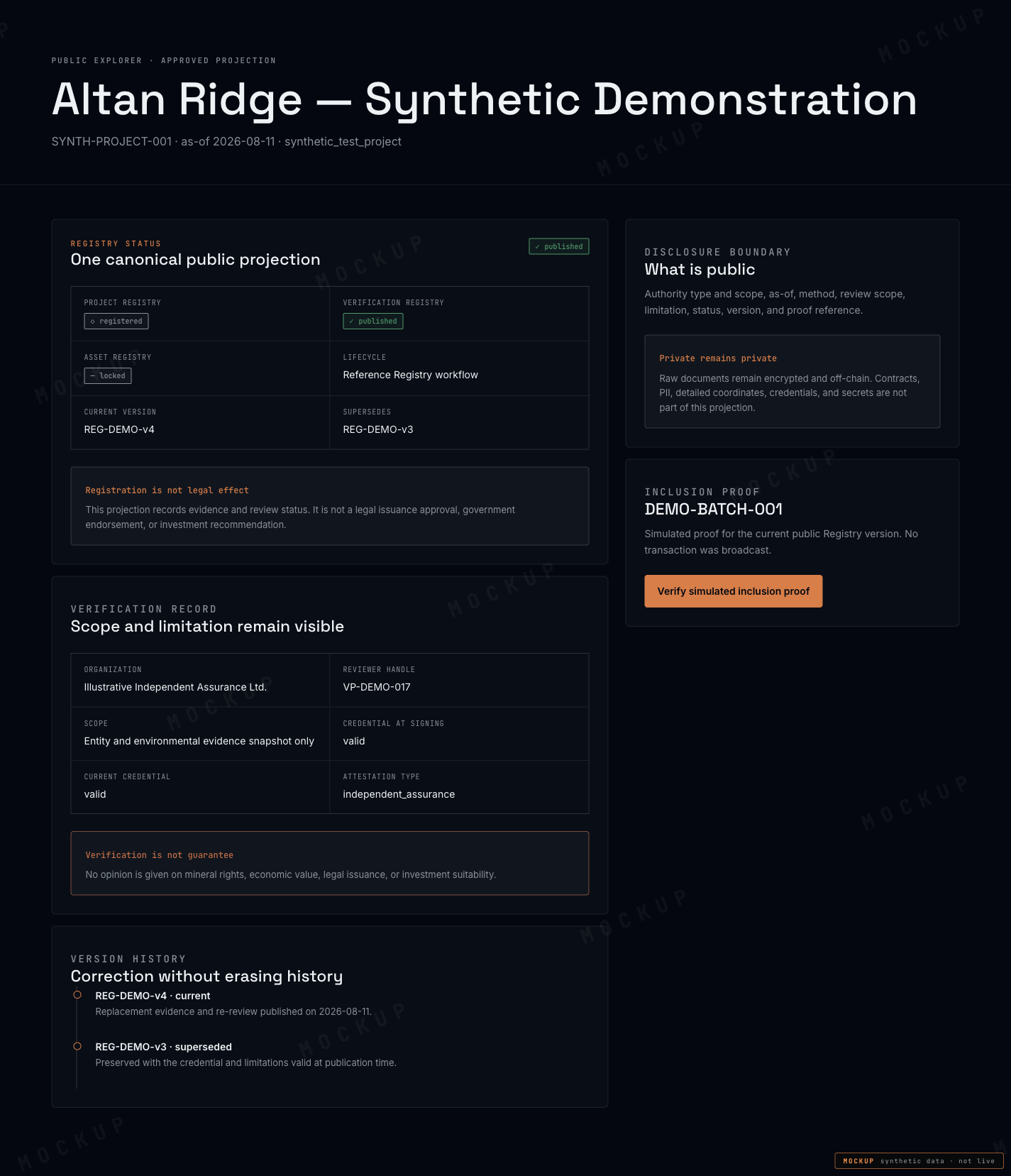
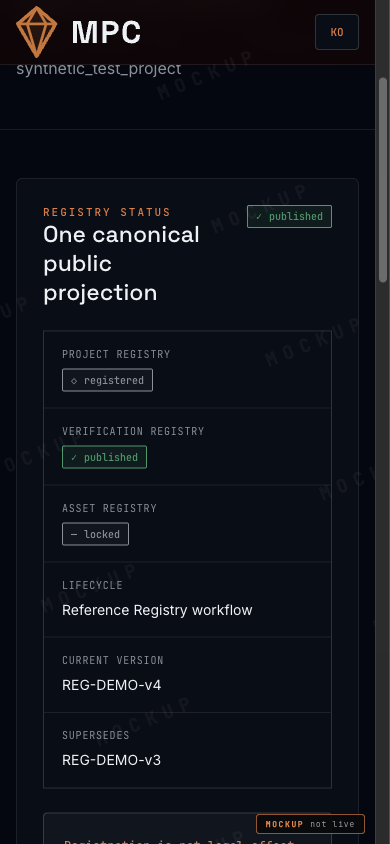
The Explorer is deliberately dense. A reader who has to click three times to find the limitation of a review will not find it.
Authenticated workspace — for the people doing the work
Project workspace & Data Room
Parties, jurisdiction and an evidence inventory organised by claim rather than by folder. Version, hash, source, as-of date, licence and sensitivity on every item. Upload is separate from publish.
Verification workbench
Assigned scope, a frozen evidence snapshot, a credential and conflict banner, a mandatory limitations editor, and an immutable preview before signing.
Readiness & gate decision
The readiness matrix and the gate decision are separate steps, not adjacent panels — so that reading a status and taking responsibility for it never look like the same action.
Registries
Project, Verification and Asset on separate tabs: public projection preview, version diff, publication, revoke and supersede, and anchor state (pending, confirmed, reorged).
Governance
Protocol and project separated from the top of the screen down, with vote status and execution status shown as distinct fields.
Integrations, audit, administration
Adapter state per source, change and access history, key and incident handling, and chain reconciliation.
| Surface | Default | Who reads it |
|---|---|---|
| Public Explorer | Nothing is public until disclosure is approved | Anyone, without an account |
| Project workspace | Nothing is visible without an authorised assignment | Project parties and MPC operators |
| Verification workbench | Scoped to one reviewer's assignment | Verification parties |
| Administration & audit | Restricted, fully logged | Auditors and security operators |
- Surface
- Public Explorer
- Default
- Nothing is public until disclosure is approved
- Who reads it
- Anyone, without an account
- Surface
- Project workspace
- Default
- Nothing is visible without an authorised assignment
- Who reads it
- Project parties and MPC operators
- Surface
- Verification workbench
- Default
- Scoped to one reviewer's assignment
- Who reads it
- Verification parties
- Surface
- Administration & audit
- Default
- Restricted, fully logged
- Who reads it
- Auditors and security operators
What this does not do
- The Explorer does not publish anything that has not passed a disclosure decision.
- The workspace does not expose material outside the requesting user's assignment, even by direct URL.
- Neither surface offers purchase, subscription, transfer or custody controls.
This chapter is a public adaptation of the internal product specification. Where the two differ, the specification and the whitepaper govern.
MPC dApp Guide · design & build stage · synthetic demo data